





 Back to list

Faced with an increasing number of projects, strained resources and the growing complexity of multi-project management, many CIOs are looking to improve their organization. Macro planning is emerging as a key tool for structuring an action plan, allocating tasks realistically, and aligning strategic objectives with operational capacity.
Effective macro-planning does not aim to predict everything. It serves to structure trajectories, clarify major milestones, list tasks to be completed and support arbitration. It makes action plans easier to understand, and facilitates collaboration between Projects Teams, business departments and cross-functional management.
When properly constructed, shared and updated, macro-planning becomes a sustainable management tool for each project. This is precisely what tools like Abraxio can do, by anchoring this practice in a fluid and strategic management of project planning, with one objective: to make life easier for project managers and CIOs.
1. What is macro planning?
Macro planning is a synthetic, visual and strategic representation of one or more Projects. It generally covers a period of 6 to 24 months, focusing on key phases and milestones. It is a key Project management deliverable, and can also be used to identify critical dependencies.
Unlike micro planning, it doesn’t drill down to the level of individual project tasks. It provides a high-level framework for visualizing :
- Key stages (scoping, design, validation, Deployment, etc.),
- Decision points (Go/No Go, recipes, Go-live),
- Dependencies (between Projects, shared Resources, regulatory constraints).
This type of plan is used in Steering committees, Portfolio reviews or Transformation programs. It structures the management of priorities and facilitates synchronization between CIO, business units and COMEX.
In the operational phase, with the help of microplanning, we will then focus on each phase of the Projects, which will be precisely detailed and broken down into tasks to be carried out.
2. Why use macro planning in Projects?
The use of macro planning is fully justified in the following contexts:
- More and more interdependent projects to be steered simultaneously,
- Need to structure cross-functional planning in a complex Program,
- Need to take into account available resources and capacity trade-offs,
- Demand for transparency from senior management on the progress of strategic plans.
The expected benefits are manifold:
- Give clarity to the Projects portfolio (and, more generally, a sense of direction to the CIO’s actions)
- Anticipate workload or schedule conflicts,
- Support arbitration decisions and rescheduling,
- Facilitate communication management (between Projects, departments, partners, etc.),
- Support dialogue with governance bodies at each key stage of the project.
Without macro planning, a CIO runs the risk of projects falling out of sync, of losing control over strategic milestones, and of reactive, short-term steering that is often ineffective.
3. How to define the scope and objectives of macro planning?
Unlike a micro schedule, a useful macro schedule doesn’t try to represent everything in every project. It must clearly define what it is intended to cover:
- Do you need to steer a single strategic project, or a series of Projects?
- Is the schedule designed to support arbitration decisions, or to provide a progress report on each stage of the project?
- Does it need to integrate capacity constraints, business milestones and regulatory dependencies?
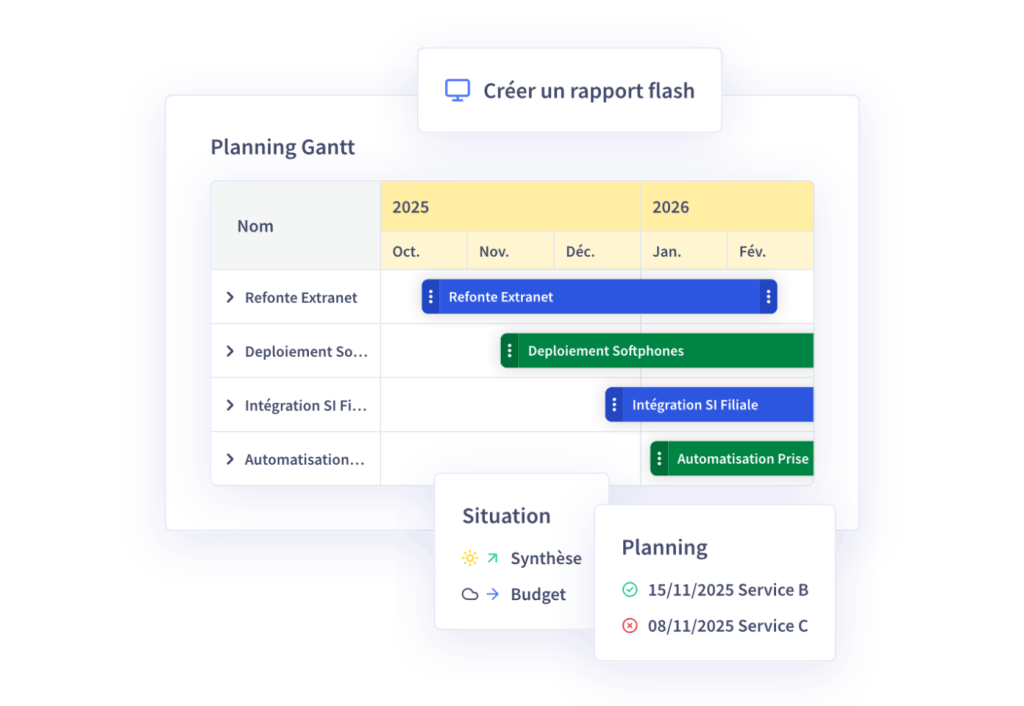
These choices influence the level of detail, tasks, reading axes, and the construction of the planning model. Some tools enable you to dynamically adapt these views (by job, by Program, by type of Project), thus avoiding the multiplication of versions or static exports. In this way, it facilitates overall project management.
Another fundamental point: a macro schedule is not a fixed deliverable. It must be updated regularly, serve as a shared reference, and evolve with the realities of the field and the Projects. A good macro schedule is a living tool, which lives alongside other Project management tools.
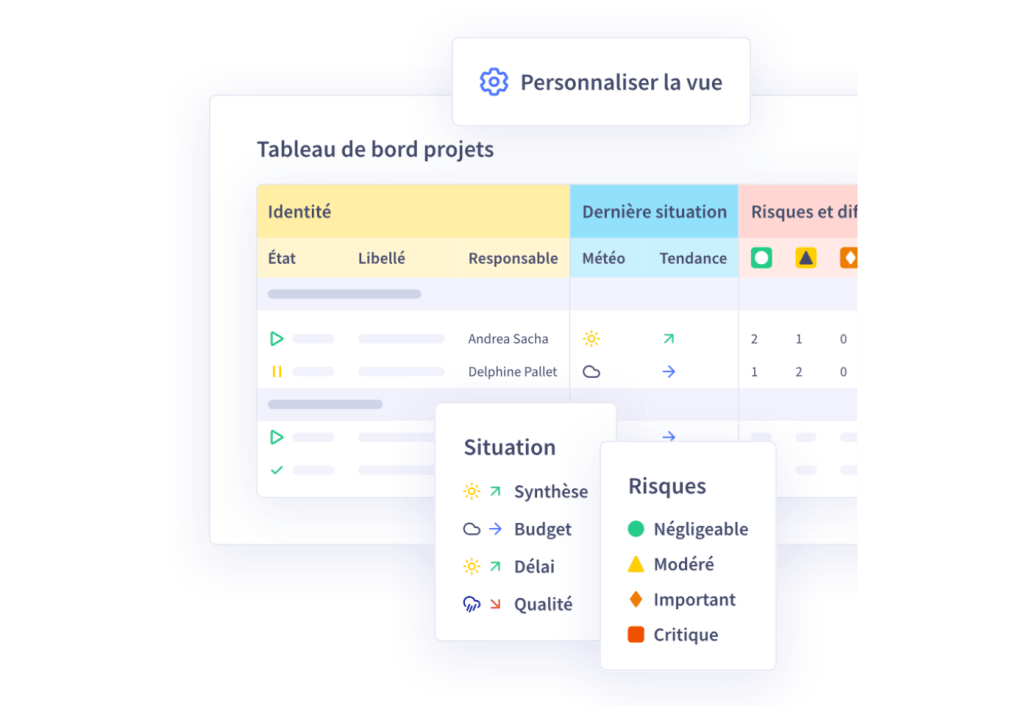
Some tools allow you to dynamically adapt views by target audience (CIO, COMEX, PMO, business) without having to rebuild each plan. All key stages of the Projects are displayed according to the level of information required by the reader, with a clear objective: to provide the right information to the right person.
4. How to break down a Project into key stages and Milestones? Setting useful benchmarks
In a complex portfolio, dependencies are omnipresent. They can :
- create hold points on critical project deliverables,
- require business coordination or external validation,
- impact the overall coherence of the plan if they are ignored.
Macro planning must therefore :
- make the links between Projects visible at every stage,
- integrate events external to the Projects (audit, seasonality, regulatory deadlines, etc.),
- identify areas of weakness in the plan (e.g. occasional overloading of a resource).
While micro planning lists in detail all the precise tasks of a Projects at an extremely detailed level, macro planning needs to take a step back and focus on key tasks and milestones.
A tool like Abraxio can dynamically adapt this granularity according to the type of project and reporting needs, making it an essential part of project management.
5. How to identify a project’s external dependencies and constraints?
In any multi-project environment, dependencies play a key role. They :
- trigger a waiting milestone (a team depends on a third-party deliverable),
- require business coordination, regulatory validation or an external interface,
- determine the overall coherence of Projects at every stage.
Macro planning must therefore integrate :
- Visible links between projects (cross-dependencies),
- Key external events (audit, regulatory date, customer campaign, etc.),
- Areas at risk of slippage, where a single drift can impact the entire chain.
6. How to integrate the capacity dimension and arbitrate according to Resources?
A common mistake in strategic planning is to ignore the reality of the Resources available to the project. Planning activities without taking real capacities into account means risking failure in project management right from the start.
The planning tool must enable us to test different scenarios and project realistic trade-offs at each stage. This capacity dimension, often neglected, is the most important factor in guaranteeing the feasibility of a plan and its various associated stages.
This means integrating :
- modeling of critical resources (architects, security, functional experts),
- projected cumulative Workload, by period, phase and Teams,
- arbitration scenarios based on different hypotheses (recruitment, subcontracting, shifting, etc.).
Objective: turn macro-planning into a strategic simulation tool.
7. Macro planning and Agility: complementarity or contradiction?
Macro planning is not just for V-cycle Projects. It can coexist perfectly with an Agility or hybrid organization, providing a medium- to long-term vision based on Milestones Deliverables rather than individual tasks. This framework vision aligns Teams with strategic priorities, while leaving them the flexibility to work in sprints.
Macro planning provides the overall strategic framework, while Agility Projects are the operational engine that deliver results step by step. This complementary approach enables CIOs to steer strategy without hampering the autonomy and responsiveness of Teams.
Some management tools link macro-planning milestones to sprint data, providing automatic consolidation of progress and clear visibility for management, without weighing down daily reporting.
8. What tools are needed to build an effective macro plan?
Many CIOs still use Excel or PowerPoint for macro planning. However, these tools have major limitations: manual and time-consuming updating, lack of dynamic dependencies, multiple versions with no single source, difficulty in collaborating and, last but not least, poor visibility of actual capacity. This has a major impact on Project management, Resources and scheduling.
Abraxio’s solution offers :
- automatic consolidation of Projects data (milestones, status, dates),
- creation of customized roadmaps for each contact (CIO, COMEX, business lines),
- a direct link with management tools (Roadmap, Capacity planning, etc.),
- collaborative updating, with no duplication or manual reprocessing.
Macro planning thus becomes a genuine tool for governance and anticipation, rather than a fixed PDF document.
9. Communicating and involving project stakeholders
Macro planning is a strategic communication tool. It meets a number of objectives:
- explain choices and trade-offs to the Executive Committee,
- share the Roadmap with the business units,
- align priorities with projects,
- increase transparency within the company at every stage of the Projects process.
But for this to happen, it has to be accessible, readable and shared. Information must be continuously updated, without relying on a “Monday export” or an Excel macro or other schedule such as a GANTT. Planning must enable informed decision-making.
Some platforms offer clear interfaces, filterable by department or portfolio, and dynamic links to action plans or project reviews.
10. Macro planning: a key governance tool, not a gadget
Macro planning is not a cosmetic deliverable. It is a steering and governance tool that meets specific objectives. Properly designed, it helps to synchronize Projects,anticipate risks, conflicts and critical deadlines,support budgetary and capacity arbitration, reinforce the CIO’s strategic role and identify the Resources required to carry out all the tasks identified.
However, this planning must be fed, shared and updated. That’s why tools that enable dynamic, consolidated and collaborative planning are now taking center stage.
In conclusion, in complex, multi-project environments, the ability to have a reliable, up-to-date and readable macro schedule is becoming a competitive advantage for CIOs. It’s no longer a reporting tool, but a strategic steering tool for each project that meets the objectives of the company’s management, with an overview of the tasks associated with the key stages of the project.